 MedScan
The dental imaging platform for iPad
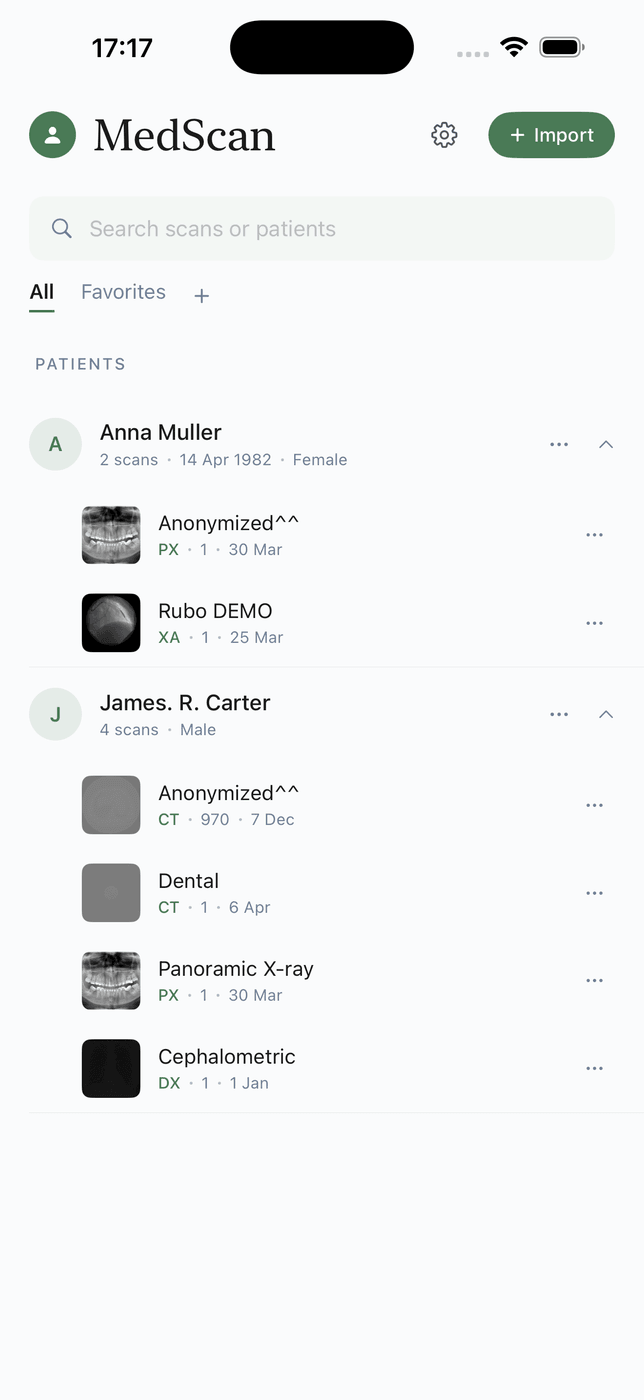
Open CT, CBCT and MRI studies on iPhone or iPad. Scroll slices, adjust window and level, measure regions, reconstruct MPR and review 3D views without a MedScan account or cloud upload.
Import standard DICOM studies from Files, AirDrop, archives, web links or a compatible PACS. Expanded support includes ultrasound cine, PET/CT fusion, DICOM overlays, reports and WSI.
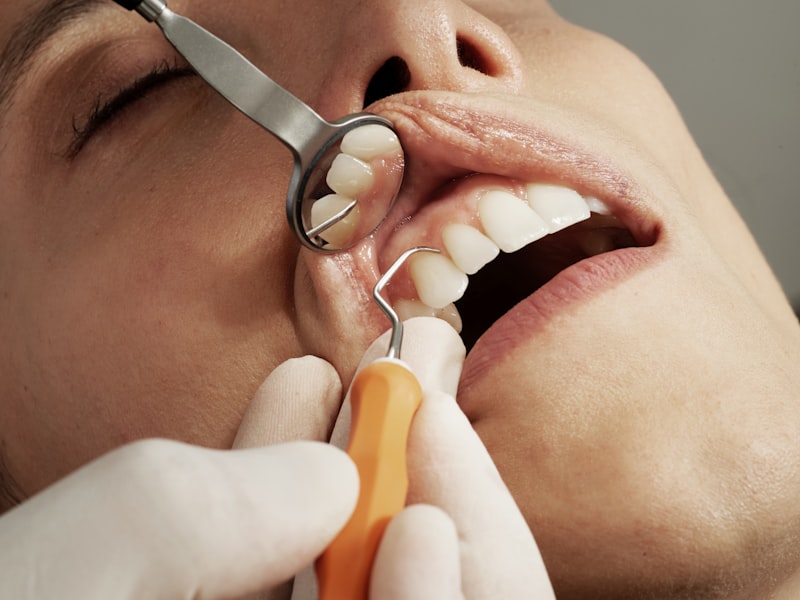
panoramic reformat · tooth numbering overlay · HU probe
The dental toolkit, on your iPad
From CBCT import to implant-site review in a few taps — the workflow a chairside consult actually needs.
Dental arch & panoramic reformat
Draw the arch spline on an axial CBCT slice and get a curved panoramic reformat instantly — with orthogonal cross-sections along the curve for implant-site review.
Tooth numbering
Tooth-position overlay in FDI and Universal systems, so cross-sections and findings map to the exact tooth you are planning around.
Misch bone-density probe
Tap any point to read HU and its Misch classification (D1–D4) — a fast bone-quality check at the planned implant site.
CBCT window presets
One-tap window/level presets tuned for CBCT: bone, soft tissue, sinus airway — plus fully manual WL/WW when you need it.
Implant-ready cross-sections
Serial cross-sectional slices perpendicular to the arch, with distance and angle measurements for ridge width and height.
D1 > 1250 HU — dense cortical
D2 850–1250 HU — thick porous
D3 350–850 HU — thin porous
D4 150–350 HU — fine trabecular
Broad DICOM support
MedScan supports the mainstream transfer syntaxes and renders retained objects such as overlays, reports and presentation states as viewable content.
CODECS
RETAINED OBJECTS — RENDERED AS CONTENT
Pull studies straight from your PACS
MedScan is a DICOMweb client: search by patient, date, or modality and download studies over the standard QIDO-RS / WADO-RS pair. Works with Orthanc, dcm4chee, and any compliant server — Basic auth or OAuth.
- DICOMweb query & retrieve (QIDO-RS, WADO-RS)
- Basic auth and OAuth 2.0 sign-in
- Import from Files, AirDrop, email, ZIP, DICOM CD copies
- Export back to DICOM for sharing or archiving
Patient data never leaves the device
Everything — decoding, rendering, measurements — runs on the iPad’s own silicon. There is no cloud to trust, because there is no cloud.
100% offline
Works in a basement reading room or on a plane. No connection required.
No account
No sign-up, no email, no profile. Open the app and open a study.
No cloud
Studies live in the app sandbox on your device until you delete them.
Workstation power, tablet weight
The reading tools you expect from a desktop viewer, rebuilt for touch.
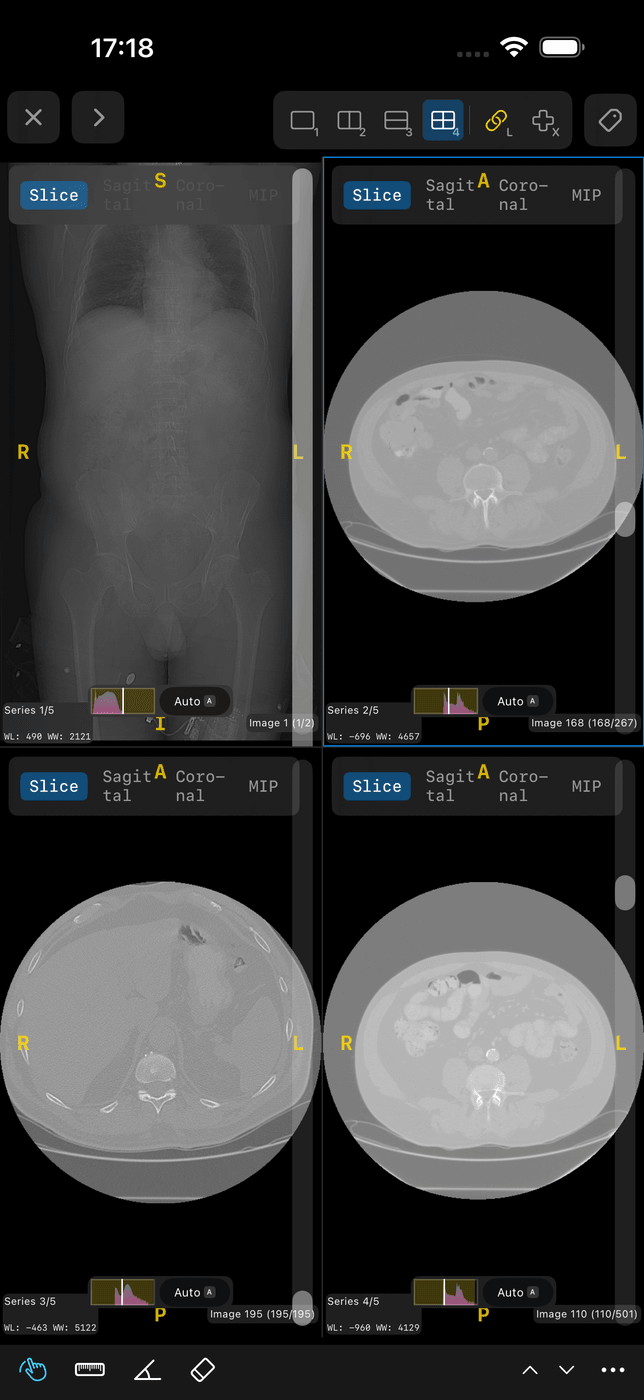
MPR
Axial, coronal, sagittal with synchronized crosshair navigation.
3D volume rendering
GPU volume rendering with bone and soft-tissue presets.
Study comparison
Two studies side by side — prior vs. current, synced scroll.
PET/CT fusion
Fused overlay with adjustable blend and SUV-aware windowing.
Whole-slide imaging
Deep-zoom pathology slides (WSI) with smooth tile streaming.
Cine playback
Multiframe loops at native frame rate — ultrasound, angio, echo.
Measurements
Length, angle, area, HU probe — calibrated by pixel spacing.
Annotations & export
GSPS-aware annotations and DICOM export for sharing back.
Where MedScan is going
The imaging engine is the foundation. On top of it, we’re building AI-assisted dental analysis — the class of tooling pioneered on the desktop, made native and on-device on iPad.
Pathology highlighting
Model-assisted flagging of regions of interest on CBCT and panoramic views — caries, periapical lesions, bone-loss patterns — for the clinician to confirm or dismiss.
Automatic tooth charting
Detection and numbering of every tooth in the volume, so the chart fills itself and findings attach to the right tooth from the start.
Structured reports
Findings assembled into a structured, exportable report — written by the clinician, organized by the platform.
All AI features are in development, run on-device, and assist — they do not diagnose.
Questions dentists (and everyone else) ask
Can MedScan open dental CBCT scans on iPad?
Which DICOM formats and codecs does MedScan support?
What is the Misch bone-density classification in MedScan?
Can I connect MedScan to my PACS?
Does MedScan upload my patients’ scans to a cloud?
Does MedScan work on iPhone, or only iPad?
Can MedScan show PET/CT fusion and 3D volume rendering?
Is MedScan a medical device?
READY · WL 40 / WW 400
Put a CBCT workstation in your coat pocket
Free to download. Opens your first study in under a minute.
Download on the App Store